Pronote is the school life software used by the Roger Martin du Gard College (RMG), as well as by the vast majority of secondary schools in France. Access to this space is not limited to entering a username and password on a web page. The login process depends on technical choices specific to each institution, and RMG is no exception.
EduConnect and academic ENT: the real entry point for Pronote RMG
Most online guides describe direct access to Pronote via a dedicated URL. This information is sometimes outdated. More and more institutions, including in the Normandy academy where the Roger Martin du Gard College is located in Bellême, redirect Pronote login to the academic ENT.
In practice, the user no longer types the Pronote address in their browser. They go through the ENT portal (digital workspace) of their academy, authenticate, and then access Pronote from an internal link. The identifier used is that of EduConnect, the national authentication service of the Ministry of National Education.
For parents, this implies a prior step that is often unknown: linking their child to their EduConnect account. Without this linking, access to Pronote RMG remains blocked, even if the institution has provided the back-to-school information. It is possible to consult the EV Mag site to find the details of the specific login portal for this institution.
This switch to the ENT has a direct consequence: in case of a connection problem, it is not necessarily Pronote that is at fault. The blockage may come from the EduConnect account itself (forgotten password, absent linking) or from a temporary unavailability of the academic portal.
Parent account and student account on Pronote: different rights, frequent errors
A point rarely explained in standard tutorials concerns the distinction between the Parents space and the Students space. These two spaces do not provide access to the same data, and logging in with the wrong profile explains a significant portion of the difficulties reported at the beginning of the school year.
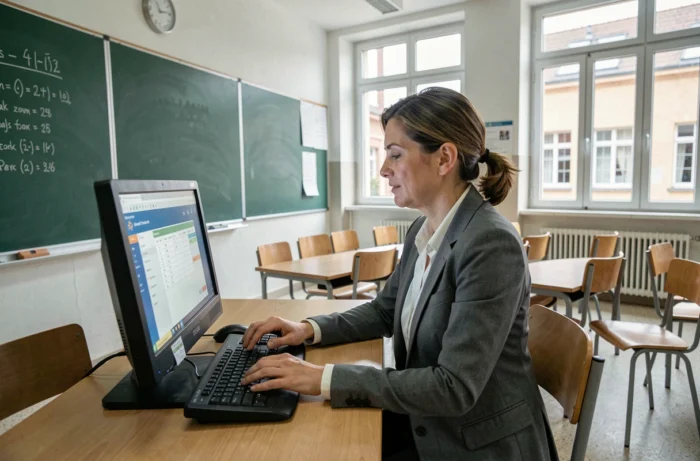
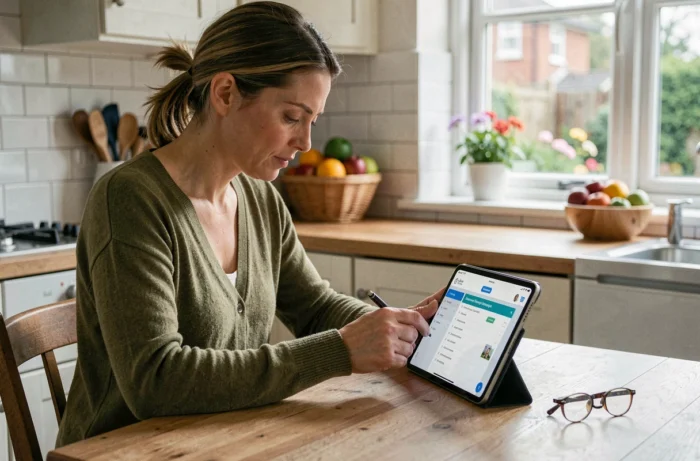
- The Parents space displays report cards, absences, any sanctions, communication with the teaching team, and administrative information related to the legal guardian.
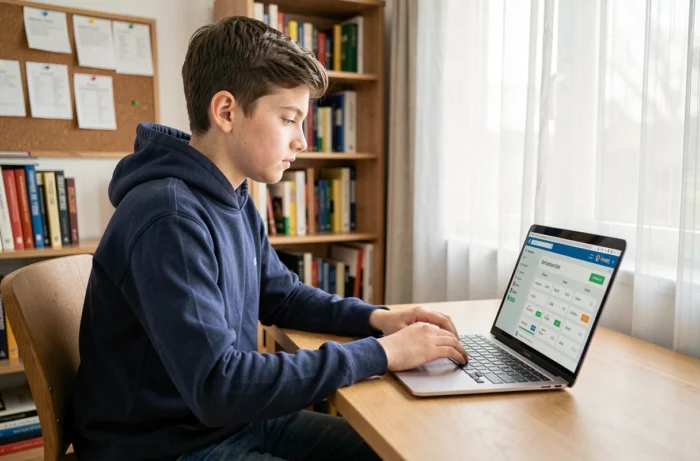
- The Students space focuses on the timetable, the homework diary, assignments to be submitted, and individual results, without access to exchanges between parents and teachers.
- Each profile has its own identifiers. Attempting to log in to the Students space with the parents’ identifiers (or vice versa) systematically generates an error message.
At the Roger Martin du Gard College, identifiers are distributed at the beginning of the year by the school administration. If a student loses their identifiers, only the institution can reset the password for the Students space. Parents, on the other hand, go through EduConnect to retrieve theirs.
Configure the Pronote mobile app via QR code
The Pronote mobile app (available on iOS and Android) is the most common way to consult daily. Its initial setup regularly poses problems because it does not work like a simple entry of username and password.
The method recommended by Index Éducation relies on a QR code. This QR code is generated from the web Pronote space (therefore after a successful first login on a computer). Once displayed on the screen, it is enough to scan it from the mobile app to automatically configure the account.
This procedure avoids manually re-entering the institution’s URL, the username, and the password. It also reduces typing errors, which are common on the long URLs specific to each college. The QR code is only valid for a few minutes, which requires performing the operation immediately after its generation.
For families who do not have a computer available, mobile login is still possible by manually entering the parameters, but the exact address of the Pronote RMG server must be known. The Roger Martin du Gard College website, in its Contacts section then Pronote, usually provides this link.
Pronote and ENT: knowing where to find each piece of information
A recurring confusion among families is searching for information in Pronote that is actually found on the ENT, or vice versa. The two tools coexist but do not cover the same functions.
Pronote manages the timetable, homework, grades, absences, and direct communication with teachers. The ENT includes institutional messaging, educational resources, and document storage. A teacher who uploads a course material on the ENT will not find it in Pronote, and an assignment graded in Pronote does not appear in the ENT.
For RMG College, the Normandy academic ENT also serves as a single access point. Students and parents who log in to the ENT can navigate to Pronote without needing to authenticate again. However, a direct connection to Pronote (if still allowed) does not provide access to the ENT resources.
This functional distinction has a practical impact: when a parent is looking for a quarterly report, they will find it on Pronote. When they are looking for an administrative document shared by the college (registration form, exit authorization), it is generally on the ENT that they need to look.
Monitoring schooling at the Roger Martin du Gard College relies on this articulation between two complementary platforms. Identifying which one to consult based on the type of information sought remains the most reliable way to avoid unnecessary back-and-forth between the two portals.